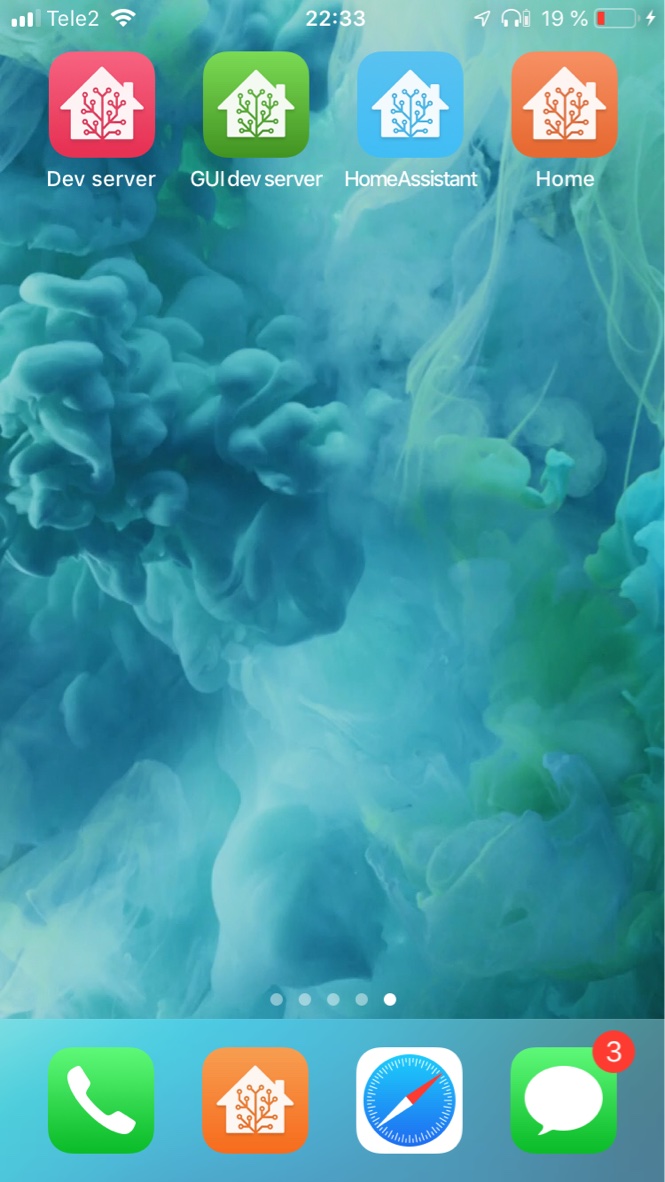
favicon

Change the gui page title, favicon and app icons of your Home Assistant instance

Installation instructions
-
Copy the contents of
custom_components/favicon/to<your config dir>/custom_components/favicon/. -
Get some icons
There are some nice ones available here, and you can generate favicons from them using an online tool, such as this one.
-
Put your icons in e.g.
<your config dir>/www/favicons/
Method 1/2 Integration
-
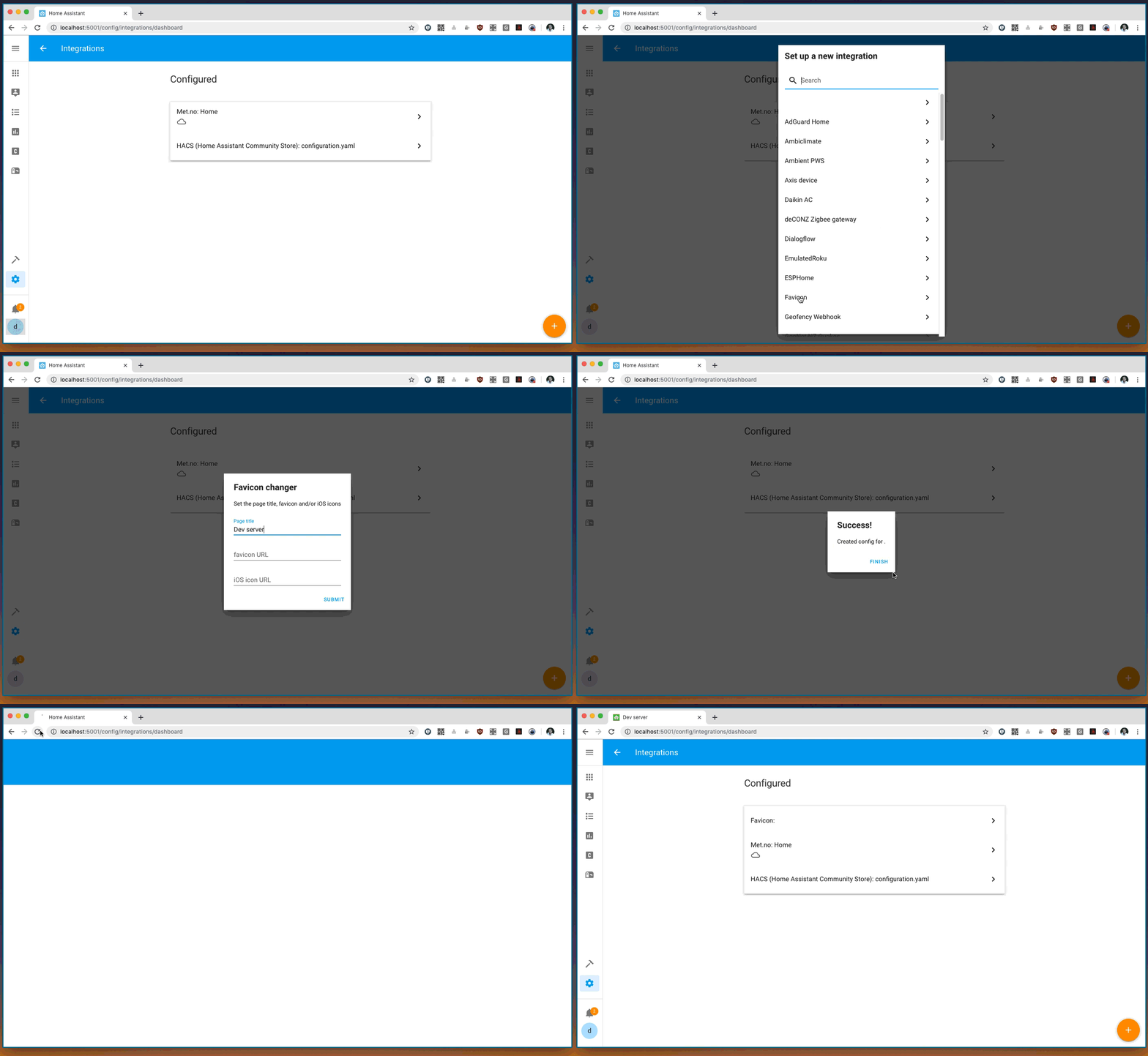
Go to your Home Assistant configuration and to Integrations
-
Add a "Favicon" integration
-
Enter what you want the title of the Home Assistant interface page to be, and the URL of the icons you wish to change. E.g.
favicon URL: /local/favicons/favicon.ico,iOS icon URL: /local/favicons/180x180.png. -
Press submit
-
Refresh the page
Method 2/2 YAML configuration
- Add the following to your
configuration.yaml:
favicon:
  title: My Home
  favicon: /local/favicons/favicon.ico
  apple: /local/favicons/apple-touch-icon-180x180.png
-
Restart Home Assistant
-
Make sure to clear the cache of your browser to get the new icons.
Options
-
title- The title to display at the top of the window or browser tab. -
favicon- an .ico file which is displayed in your browser tab or bookmark menu. -
apple- a 180 x 180 px image that will be displayed on your iDevice home screen if you save the link there